
Ever wondered how engineers and architects draw complex 3D objects... Afișează mai mult
 Irish
Irish English
Înscrie-te pentru a vedea CONȚINUTULE gratuit!
Acces la toate documentele
Îmbunătățește notele tale!
Alătură-te milioanelor de elevi
Knowunity AI
Mai mult
Materii
Triangle Congruence and Similarity Theorems
Triangle Properties and Classification
Linear Equations and Graphs
Geometric Angle Relationships
Trigonometric Functions and Identities
Equation Solving Techniques
Circle Geometry Fundamentals
Division Operations and Methods
Basic Differentiation Rules
Exponent and Logarithm Properties
Afișează toate materiile
Human Organ Systems
Reproductive Cell Cycles
Biological Sciences Subdisciplines
Cellular Energy Metabolism
Autotrophic Energy Processes
Inheritance Patterns and Principles
Biomolecular Structure and Organization
Cell Cycle and Division Mechanics
Cellular Organization and Development
Biological Structural Organization
Afișează toate materiile
Chemical Sciences and Applications
Atomic Structure and Composition
Molecular Electron Structure Representation
Atomic Electron Behavior
Matter Properties and Water
Mole Concept and Calculations
Gas Laws and Behavior
Periodic Table Organization
Chemical Thermodynamics Fundamentals
Chemical Bond Types and Properties
Afișează toate materiile
European Renaissance and Enlightenment
European Cultural Movements 800-1920
American Revolution Era 1763-1797
American Civil War 1861-1865
Global Imperial Systems
Mongol and Chinese Dynasties
U.S. Presidents and World Leaders
Historical Sources and Documentation
World Wars Era and Impact
World Religious Systems
Afișează toate materiile
Classic and Contemporary Novels
Literary Character Analysis
Rhetorical Theory and Practice
Classic Literary Narratives
Reading Analysis and Interpretation
Narrative Structure and Techniques
English Language Components
Influential English-Language Authors
Basic Sentence Structure
Narrative Voice and Perspective
Afișează toate materiile
8
•
Actualizat May 7, 2026
•
Ever wondered how engineers and architects draw complex 3D objects... Afișează mai mult
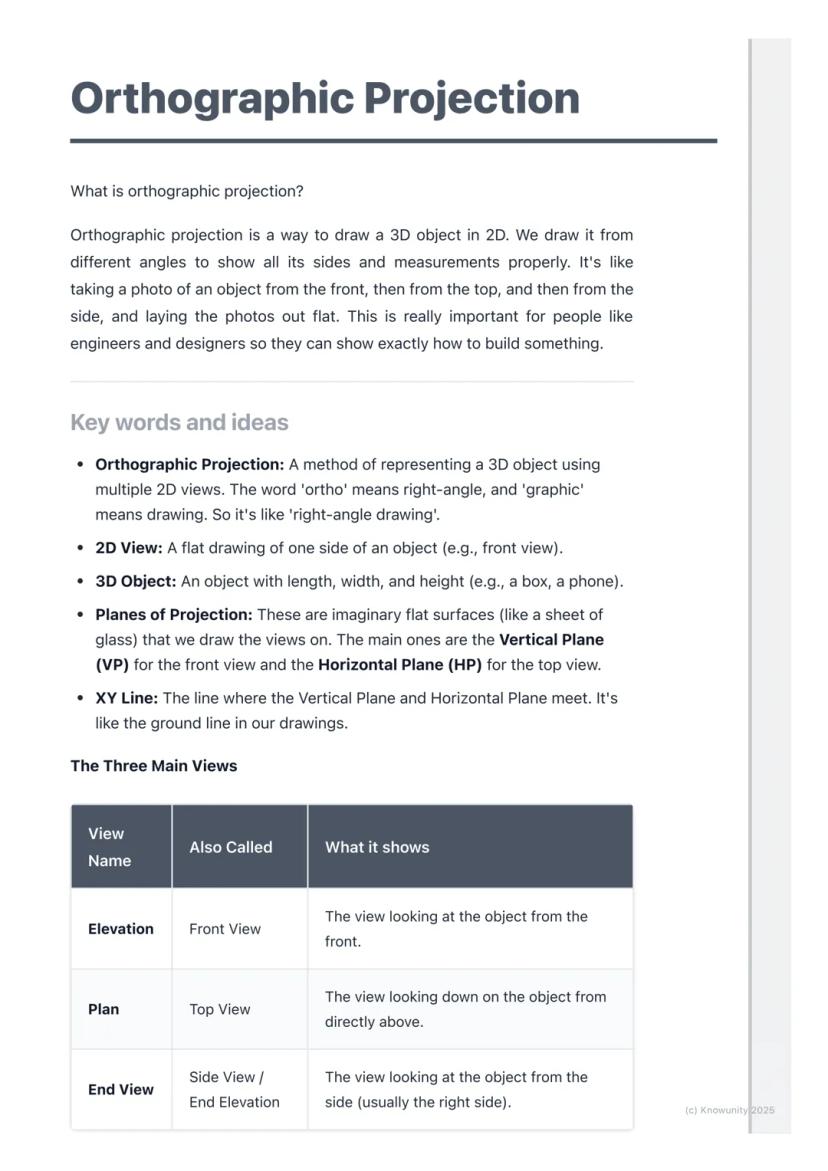
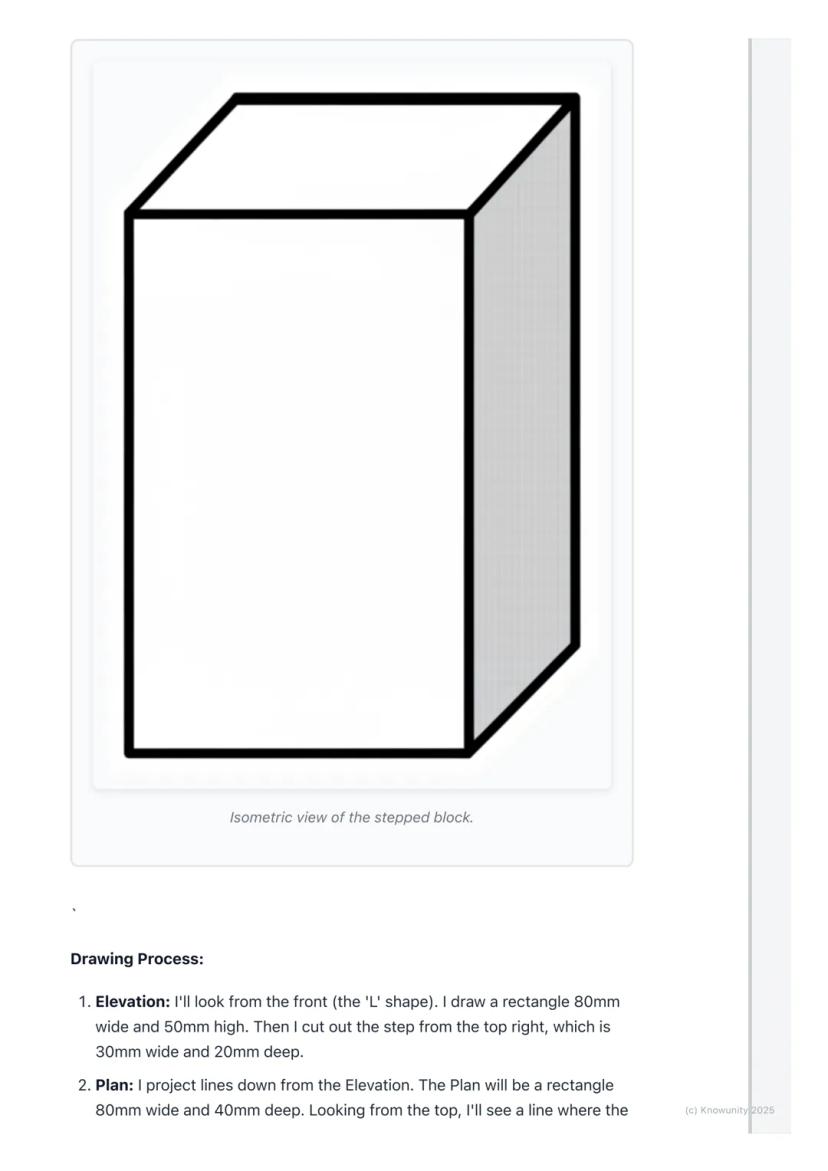
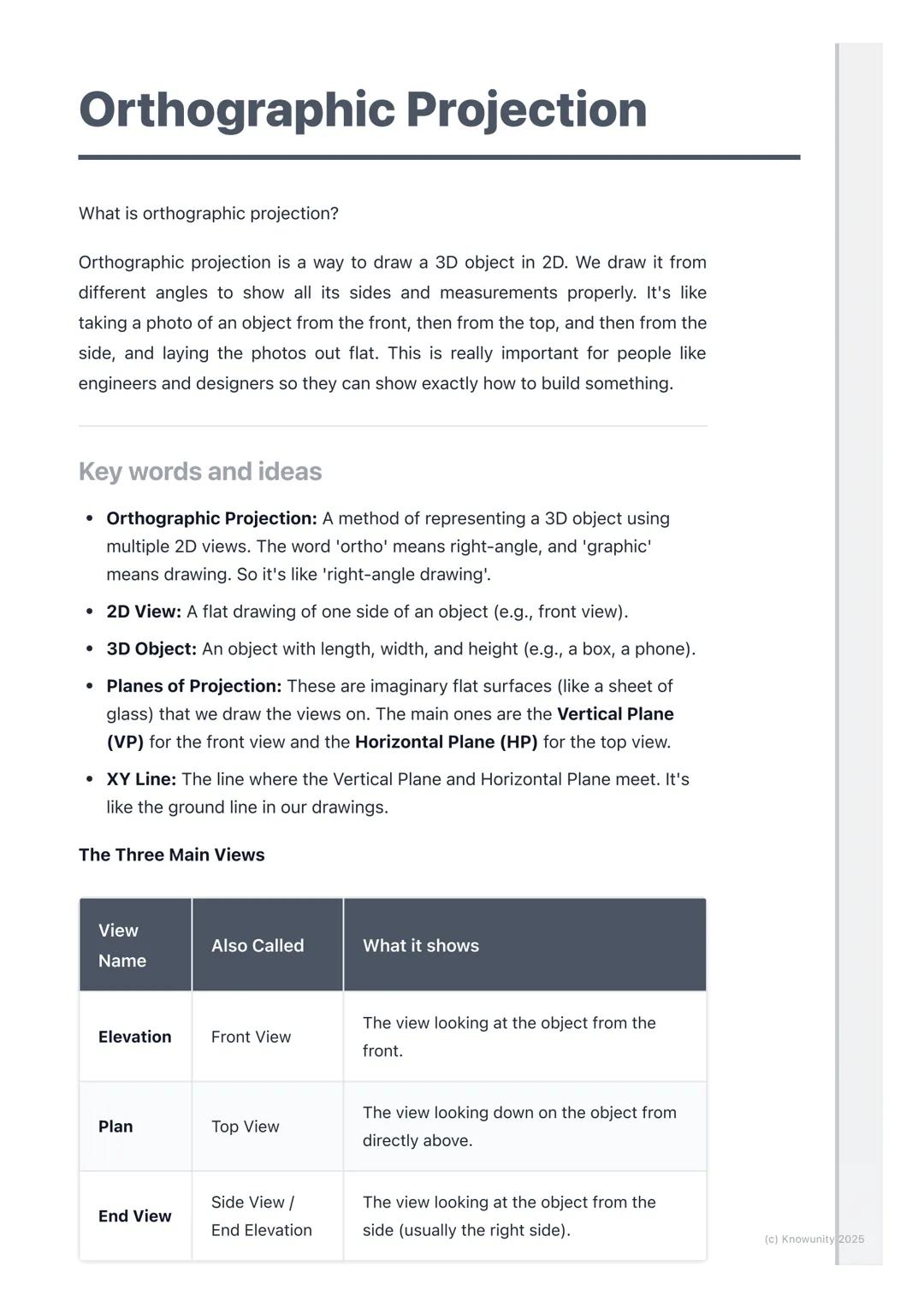
Think of orthographic projection as the ultimate way to describe any 3D object using flat drawings. Instead of trying to squeeze everything into one confusing sketch, you create three separate views that work together like a team.
The word 'ortho' means right-angle, so you're basically creating 'right-angle drawings' that show exactly what someone would see looking straight at an object from different directions. Engineers, designers, and architects use this method because it shows precise measurements and details that would be impossible to see in just one view.
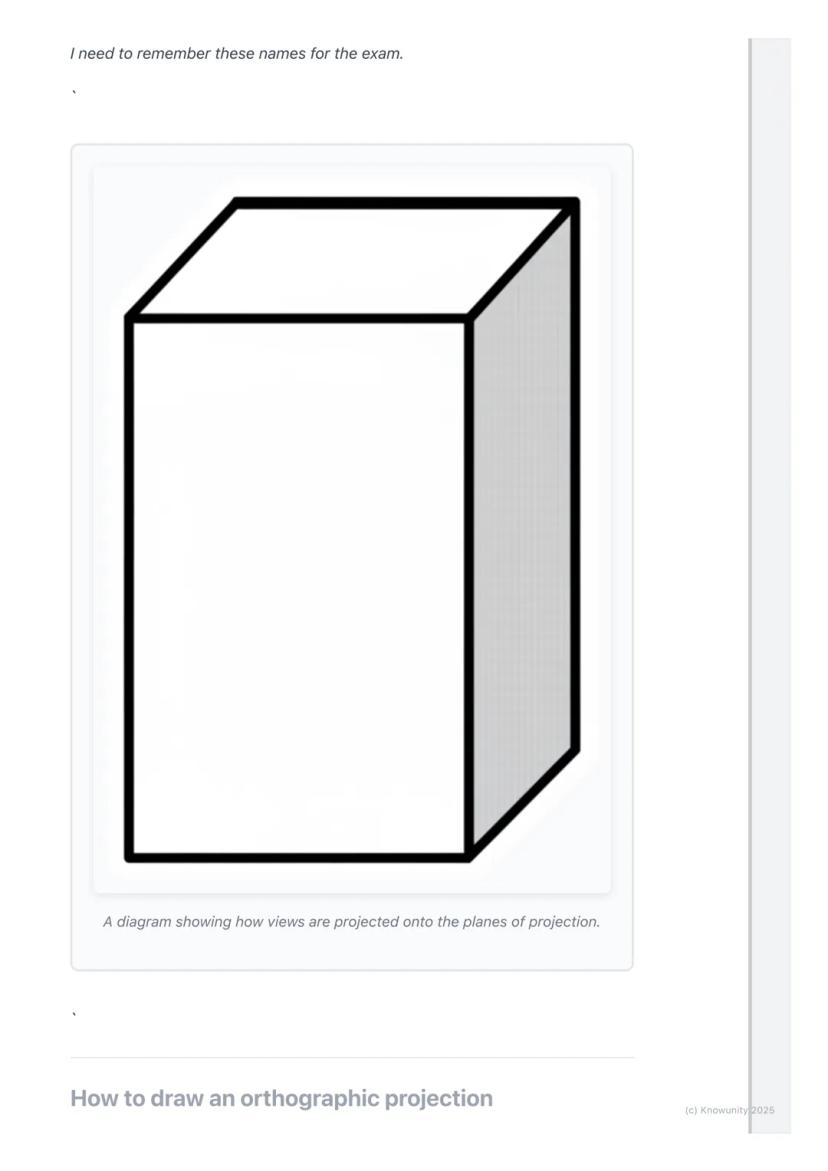
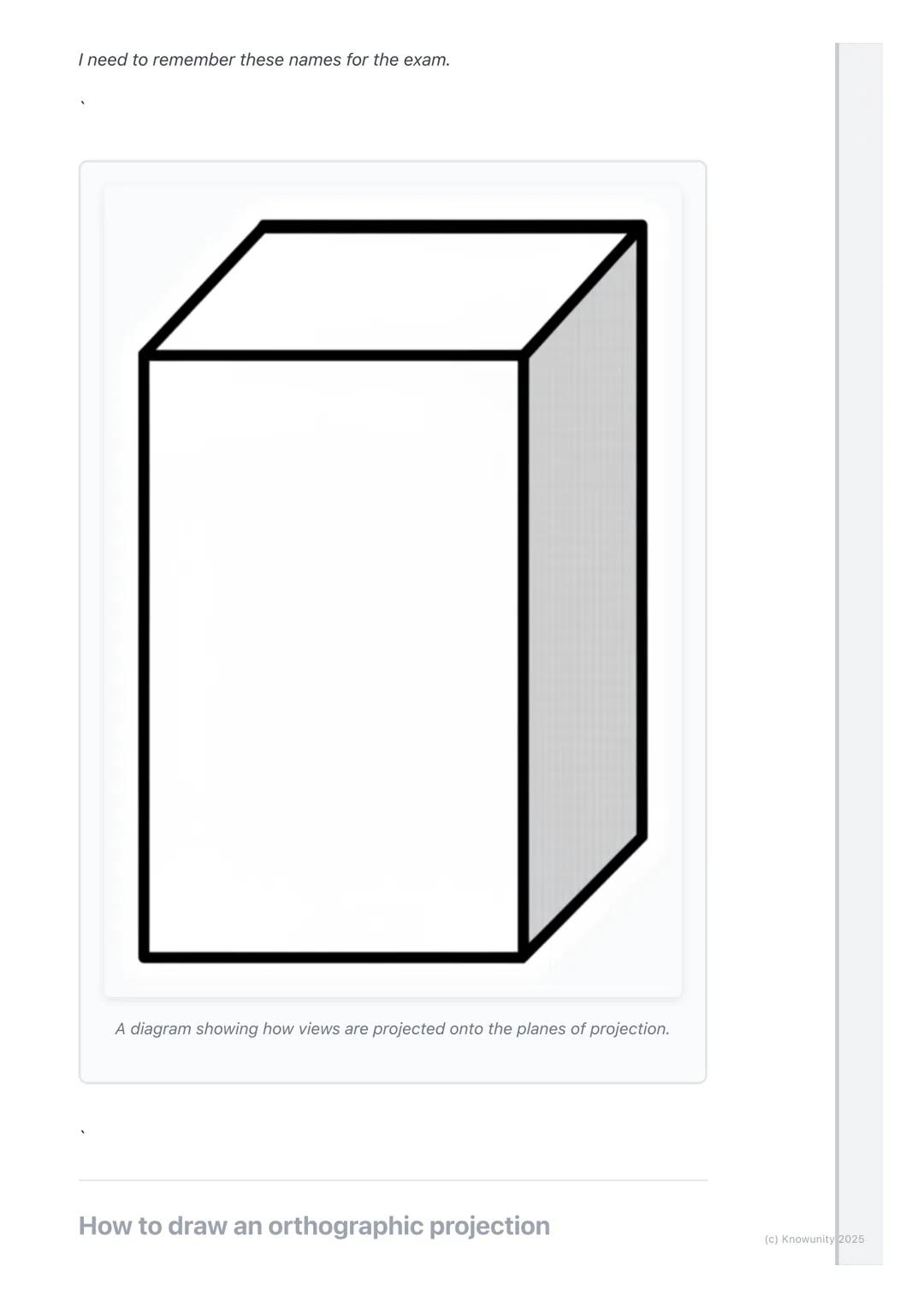
You'll work with planes of projection - imagine invisible sheets of glass where you project your views. The Vertical Plane (VP) holds your front view, whilst the Horizontal Plane (HP) holds your top view, and they meet at the crucial XY line.
Remember: The three main views are Elevation (front view), Plan (top view), and End View (side view) - these names will definitely appear on your exam!
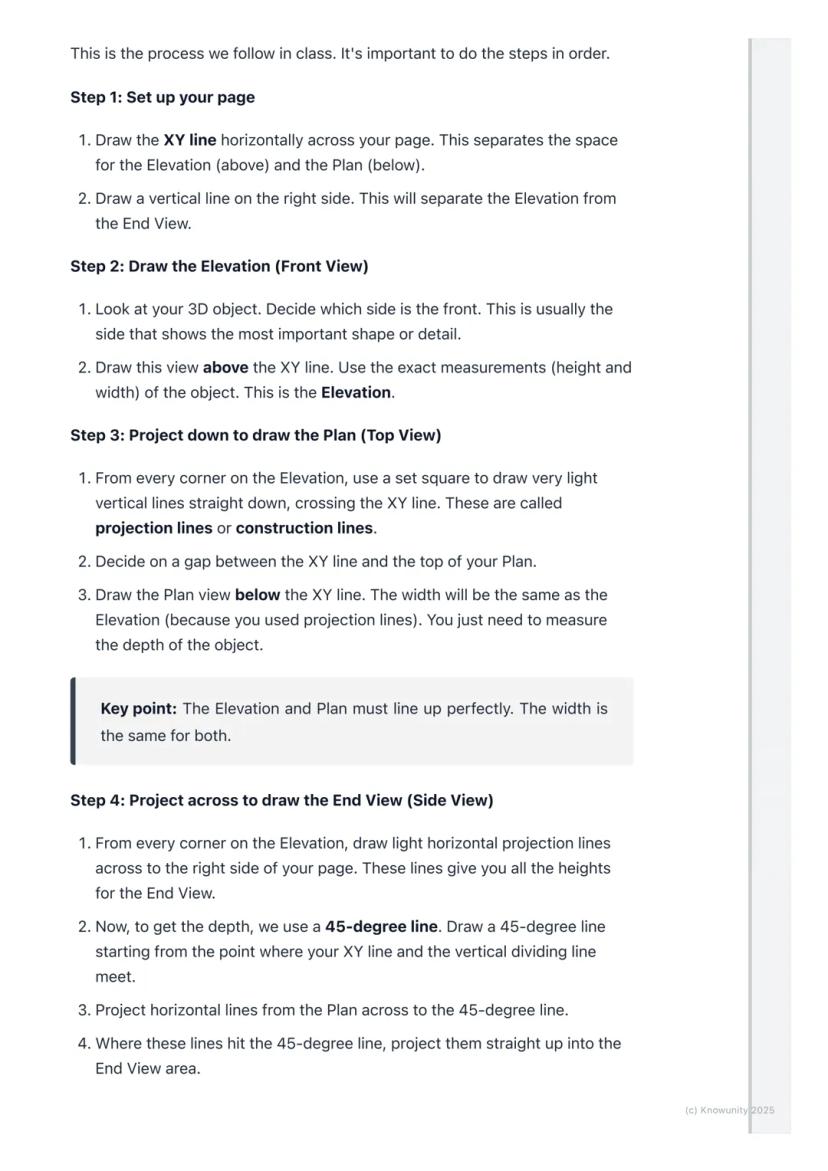
Before you start drawing anything exciting, you need to set up your page properly - this step determines whether your entire drawing will be accurate or a complete mess.
Draw the XY line horizontally across your page first. This acts like a border between your Elevation (which goes above) and your Plan (which goes below). Then add a vertical line on the right side to separate your Elevation from your End View.
Always start with the Elevation because it's your anchor point for everything else. Choose the side of your object that shows the most interesting shape or important details - this becomes your front view.
Top Tip: Getting your setup right saves you loads of time later and prevents those frustrating alignment mistakes that cost marks!
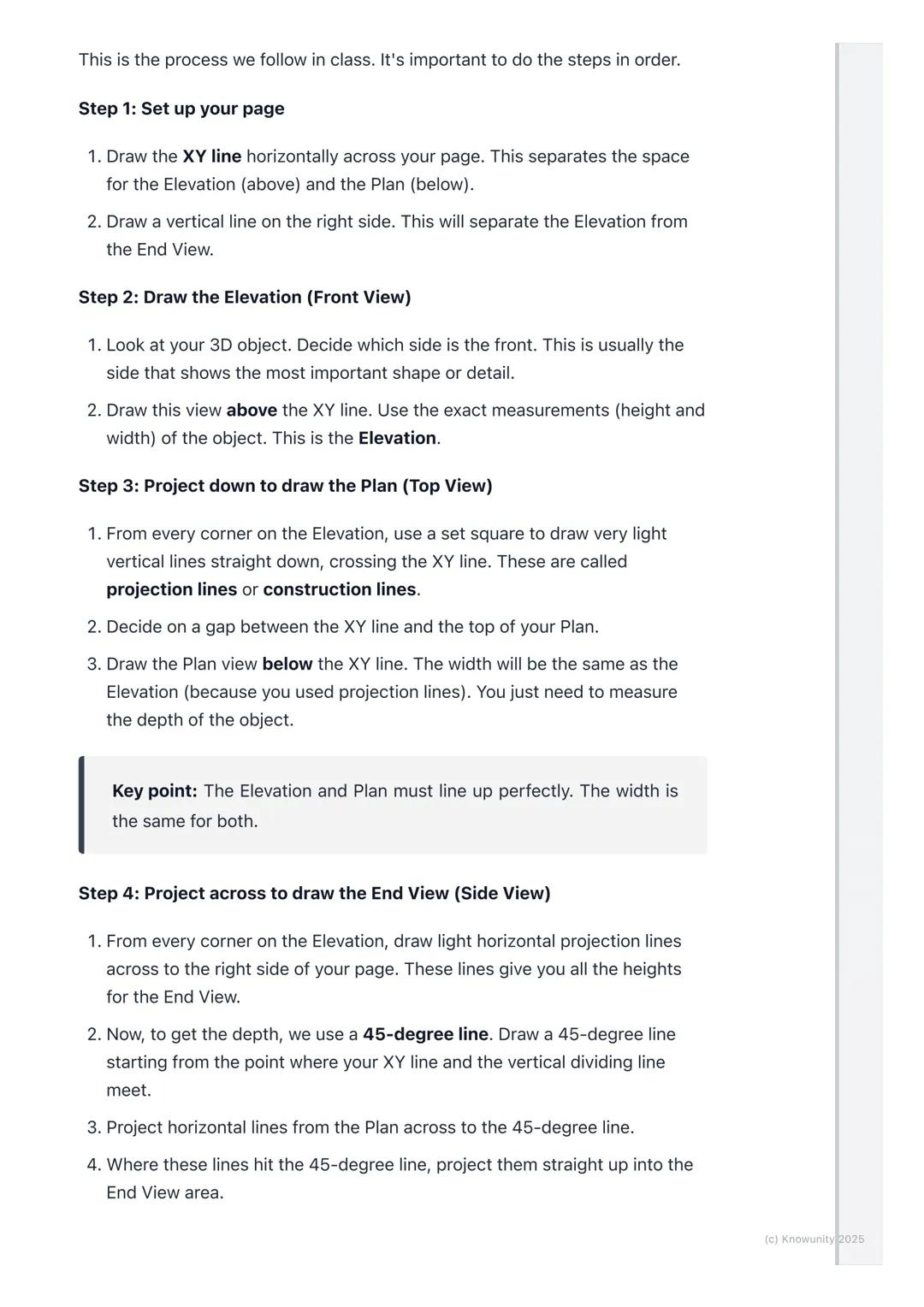
Here's where the magic happens - you'll use projection lines to connect all three views perfectly. These light construction lines ensure everything lines up exactly as it should.
After drawing your Elevation above the XY line, project light vertical lines straight down from every corner. These lines guide where you draw your Plan view below the XY line. The width stays the same, but you'll need to measure the object's depth yourself.
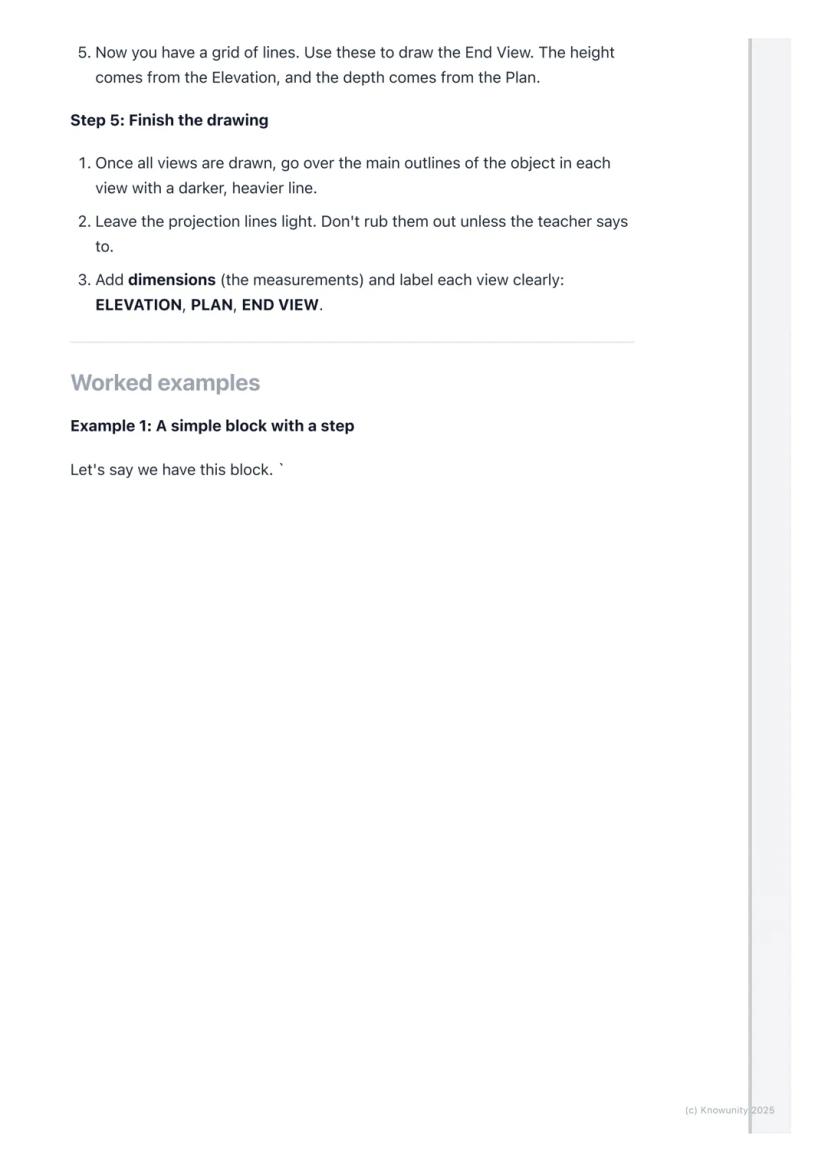
For the End View, you project horizontal lines across from your Elevation to get the heights right. Then comes the clever bit - use a 45-degree line starting where your XY line meets the vertical divider. Project lines from your Plan to this 45-degree line, then straight up into your End View area.
Key Point: The Elevation and Plan must line up perfectly - their widths are identical, and the End View's height must match the Elevation exactly.
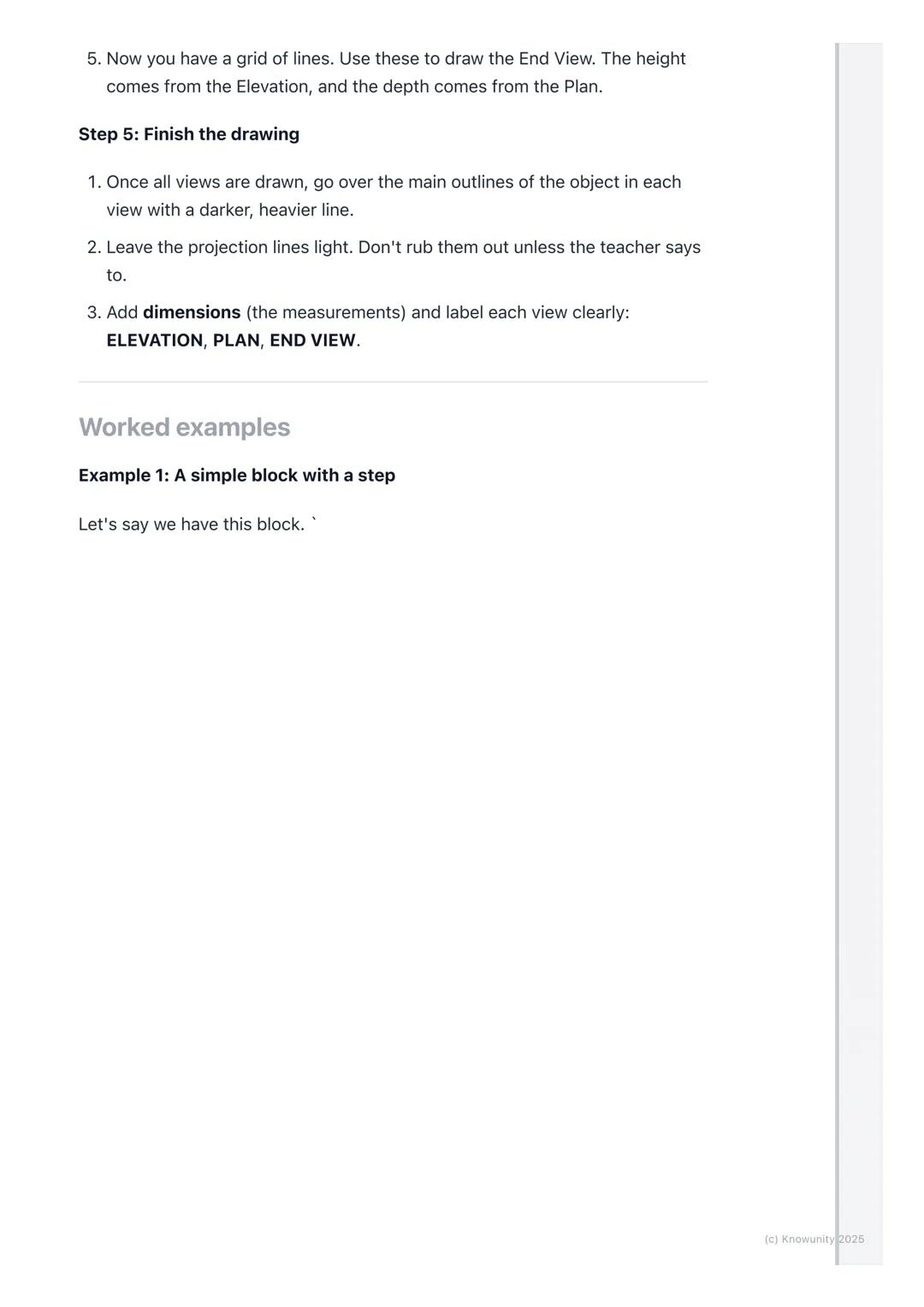
Once you've got your basic shapes sketched out using those light projection lines, it's time to make your drawing look professional and exam-ready.
Go over the main outlines of your object in each view with darker, heavier lines - these are called object lines and they represent the actual edges you can see. Keep your projection lines light because they show your working method.
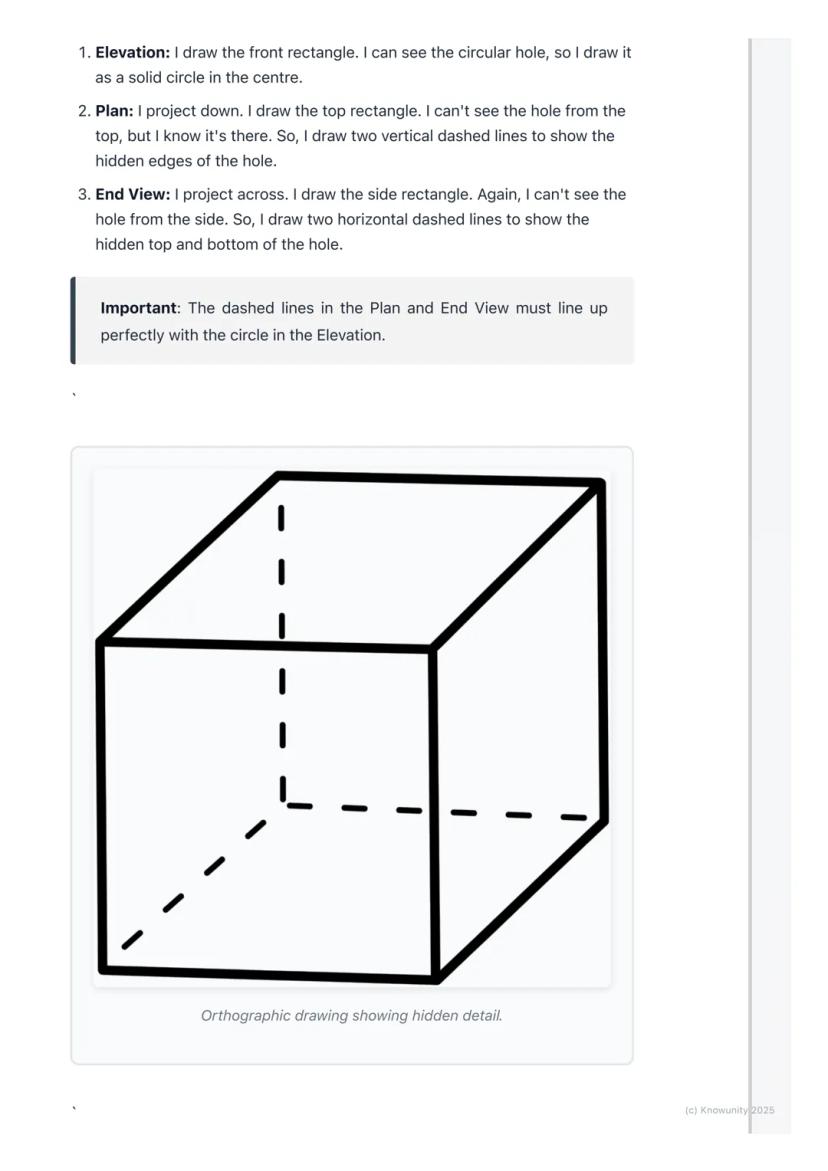
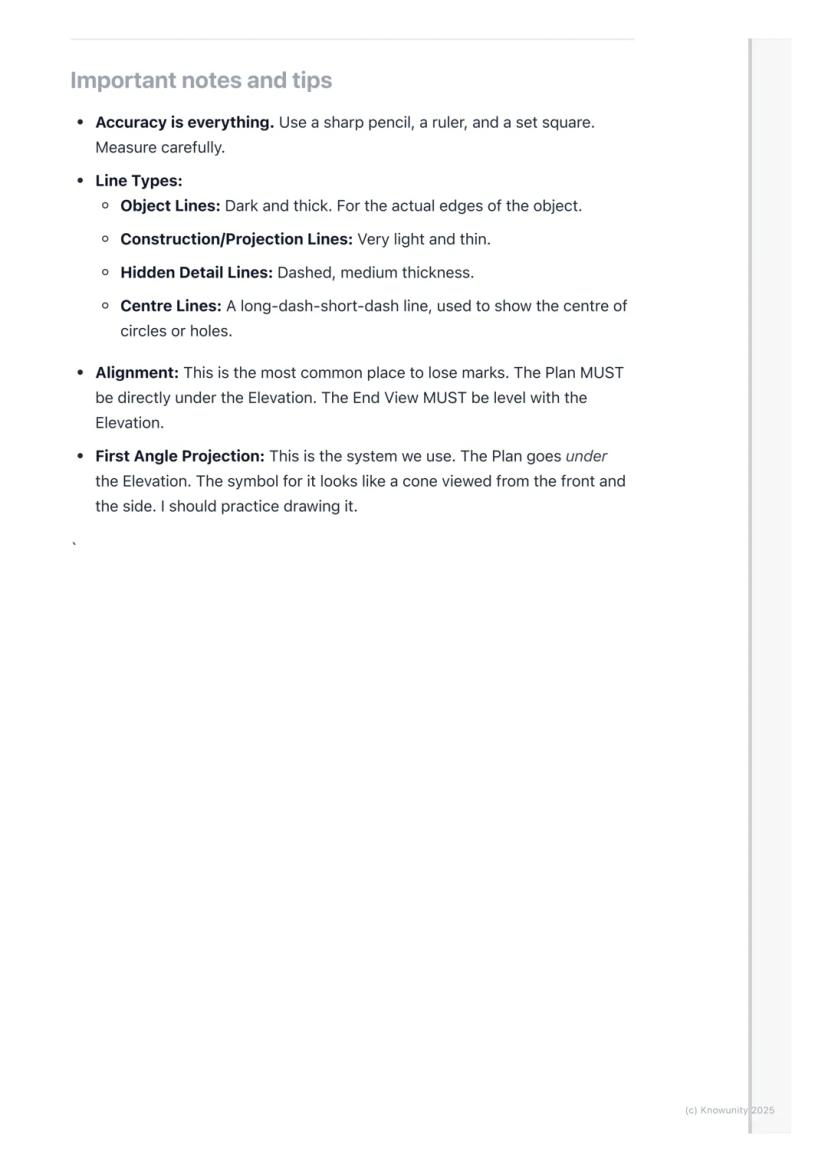
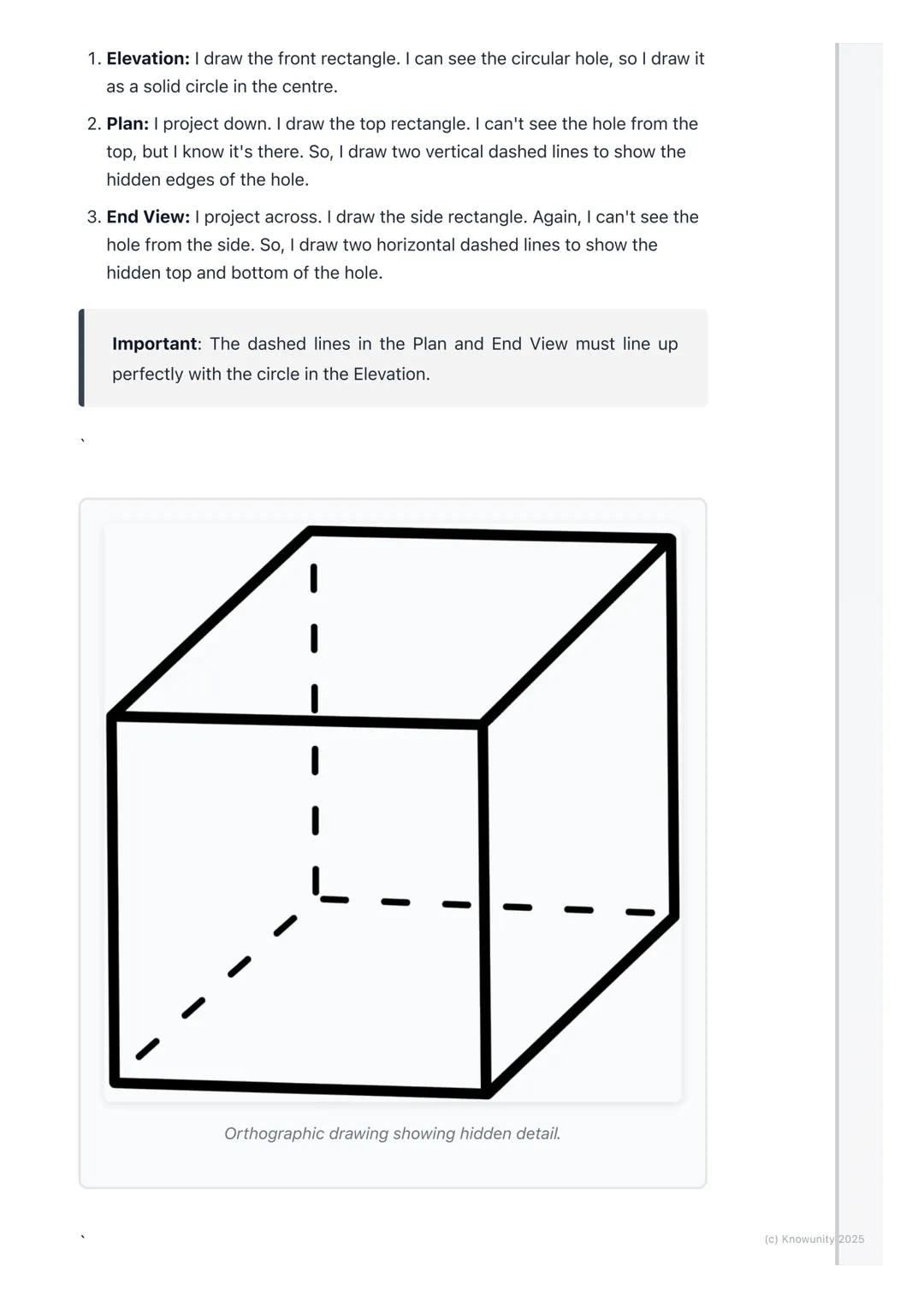
When parts of your object are hidden from view, you must show them using dashed lines. For example, if there's a hole going through a block, you'll see the circular opening in one view but need dashed lines in the other views to show where that hole exists.
Exam Success: Always add clear labels (ELEVATION, PLAN, END VIEW) and dimensions to your drawing - these simple additions can earn you extra marks!
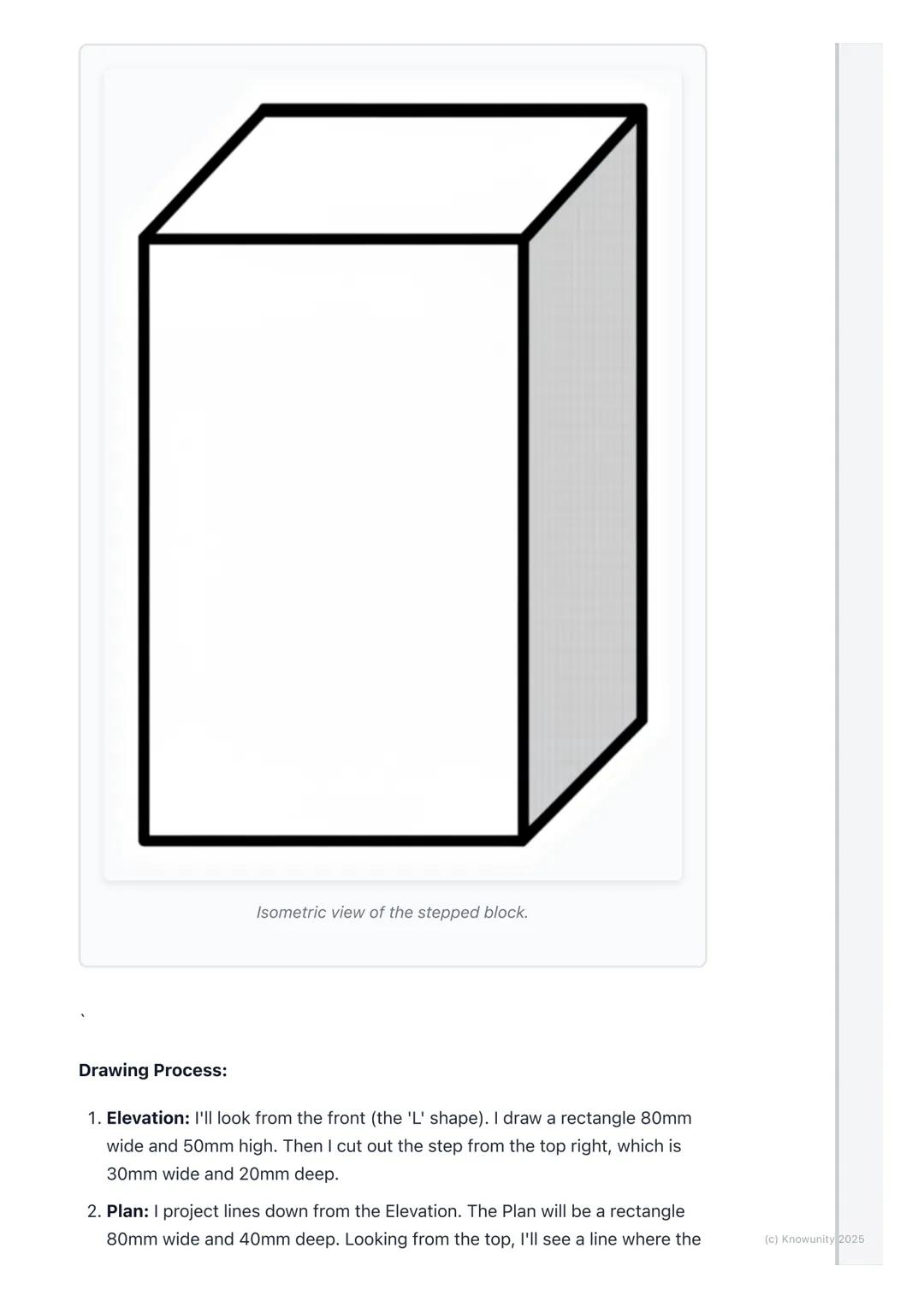
Real objects aren't just simple blocks - they have holes, cuts, and internal features that make orthographic projection both challenging and essential for clear communication.
Hidden detail appears as dashed lines in your drawings. If you're looking at a block with a hole drilled through it, you'll see the circular opening clearly in your front view, but the top and side views need dashed lines to show where that hole exists even though you can't see it directly.
The key is thinking logically about what each view would actually show. From above, a hole might appear as two parallel dashed lines showing its width. From the side, you'd see different dashed lines showing its height.
Critical Rule: Your dashed lines must align perfectly with the solid features in other views - this alignment proves you understand how the 3D object actually works.
Professional orthographic projection uses different line types to communicate different information - mastering these will make your drawings look expert-level.
Object lines are dark and thick, showing the actual visible edges of your object. Construction lines (your projection lines) stay very light and thin. Hidden detail lines are medium-thickness dashed lines, whilst centre lines use a long-dash-short-dash pattern to show centres of circles or holes.
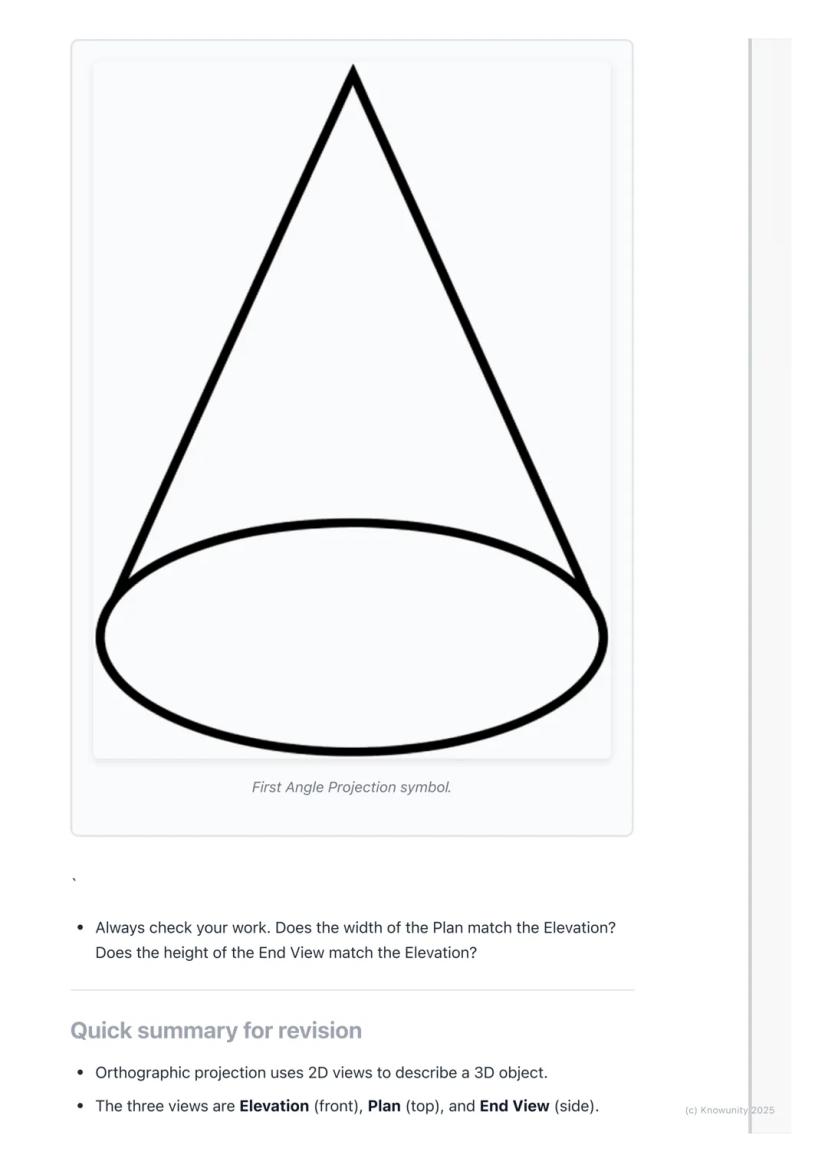
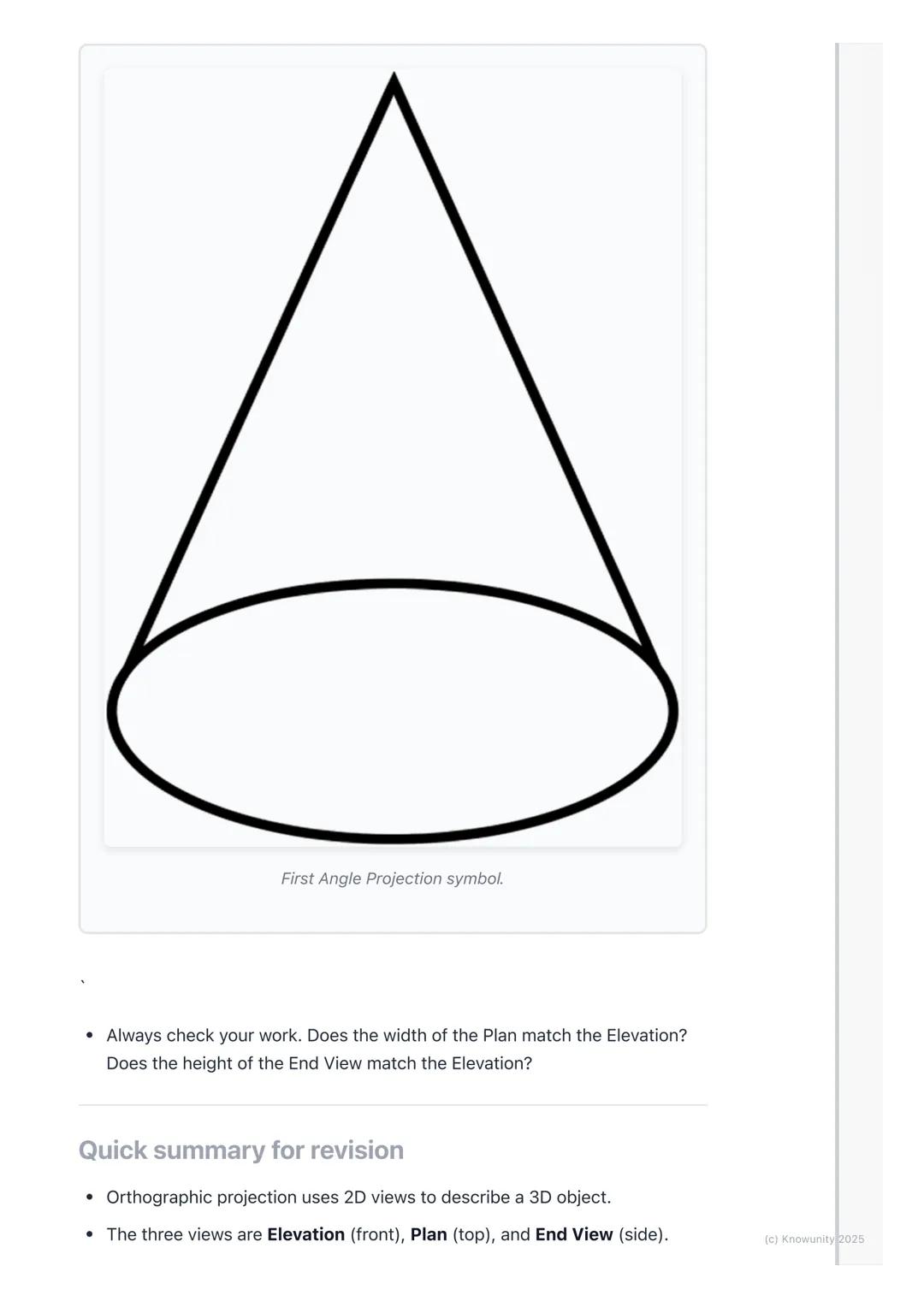
You'll be using First Angle Projection - this is the standard system where your Plan sits directly under your Elevation, and your End View aligns with the Elevation's height. There's even a special symbol for this system that looks like a cone from two angles.
Accuracy Tip: Use sharp pencils, rulers, and set squares religiously - orthographic projection rewards precision and punishes sloppy measuring!
Orthographic projection transforms any 3D object into three perfectly aligned 2D views that show every detail and measurement clearly.
Your process never changes: draw the Elevation first above the XY line, project down to create the Plan below, then project across using that 45-degree line trick to build your End View. Everything must align perfectly - widths matching between Elevation and Plan, heights matching between Elevation and End View.
Use dashed lines for hidden details, keep your construction lines light, and make your object lines bold and clear. Label everything properly and add dimensions to show you understand the measurements.
Final Check: Before submitting any orthographic drawing, verify that all your views align correctly - this single check prevents most common mistakes and ensures your hard work pays off!
Companionul nostru AI este creat special pentru nevoile studenților. Bazându-ne pe milioanele de materiale de pe platformă, putem oferi răspunsuri exacte și relevante pentru studenți. Dar nu este vorba doar despre răspunsuri, companionul este mai ales despre ghidarea studenților prin provocările zilnice de învățare, cu planuri de studiu personalizate, chestionare sau conținuturi în chat și personalizare 100% bazată pe abilitățile și evoluțiile studenților.
Aplicația este disponibilă în Google Play Store și Apple App Store.
Da! Bucură-te de access la materiale de studiu, conectează-te cu alți elevi, și primește ajutor instant - toate acestea la un click distanță. În plus, câștigă puncte ca să deblochezi mai multe funcționalități!
App Store
Google Play
Aplicația este foarte ușor de utilizat și bine concepută. Am găsit tot ce căutam până acum și am reușit să învăț multe din prezentări! Cu siguranță voi folosi aplicația pentru o temă la clasă! Și desigur, ajută mult ca sursă de inspirație.
Ștefan S
utilizator iOS
Această aplicație este super. Sunt atât de multe materiale de studiu și ajutor pentru elevi [...]. Materia mea mai problematică este franceza, de exemplu, și aplicația oferă foarte multe materiale ajutătoare. Mulțumită acestei aplicații, mi-am îmbunătățit franceza. Aș recomanda-o oricui.
Samantha Klich
utilizator Android
Wow, sunt cu adevărat impresionat. Am încercat aplicația pentru că am văzut-o promovată de multe ori și am rămas uimit. Aceasta este AJUTORUL de care ai nevoie pentru școală și, mai presus de toate, oferă atât de multe lucruri, precum exerciții și fișe de informații, care mi-au fost FOARTE de ajutor.
Anna
utilizator iOS
Te ajută să înveți foarte repede și ști foarte bine ce ai dori tu să înveți, vă recomand cu drag să încercați și să învățați mai repede.!
Thomas R
utilizator iOS
Foarte bună aplicația!!!! Mă ajută să înțeleg mult mai bine lecțiile și temele le termin mult mai repede.👍❤️
Paul P
utilizator Android
Te ajută foarte bine la teme acest robot,recomand!
David K
utilizator iOS
Aplicația e grozavă! Tot ce trebuie să fac este să introduc subiectul în bara de căutare și primesc răspunsul foarte rapid. Nu mai trebuie să mă uit la 10 videoclipuri pe YouTube pentru a înțelege ceva, deci îmi economisesc timpul. Super recomandat!
Sudenaz Ocak
utilizator Android
La școală eram chiar slab la matematică, dar datorită aplicației, mă descurc mai bine acum. Sunt atât de recunoscător că ai creat aplicația.
Greenlight Bonnie
utilizator Android
Această aplicație e super interesantă și seamănă ca tiktok-ul doar că tu ai doar teorie și explicații.
Karla S
utilizator Android
Nu mai trebuie să stau cu orele să învăț după caiet când pot să citesc de 2 ori lecțiile care apar aici și iau 10 la test ! Knowunity m-a ajutat să iau nota 9,20 la română ! Voi recomanda ff tare aceasta aplicate , să nu uităm ca are și chat GPT !👍🏻
Denisa B
utilizator iOS
CHESTIONARELE ȘI FLASHCARD-URILE SUNT ATÂT DE UTILE ȘI IUBESC Knowunity AI. E LITERALMENTE CA CHATGPT DOAR CĂ MAI DEȘTEPT!! M-A AJUTAT ȘI CU PROBLEMELE MELE CU MASCARA!! PLUS CU MATERIILE MELE ADEVĂRATE! EVIDENT 😍😁😲🤑💗✨🎀😮
Sarah L
utilizator Android
Este foarte bună te ajută la teme te face să înțelegi lecțiile am înțeles o lecție în 20 de minute i singură nu reușeam să o învăț dar cu Knowunity am învățat-o foarte ușor
Alessia V
utilizator iOS
Aplicația este foarte ușor de utilizat și bine concepută. Am găsit tot ce căutam până acum și am reușit să învăț multe din prezentări! Cu siguranță voi folosi aplicația pentru o temă la clasă! Și desigur, ajută mult ca sursă de inspirație.
Ștefan S
utilizator iOS
Această aplicație este super. Sunt atât de multe materiale de studiu și ajutor pentru elevi [...]. Materia mea mai problematică este franceza, de exemplu, și aplicația oferă foarte multe materiale ajutătoare. Mulțumită acestei aplicații, mi-am îmbunătățit franceza. Aș recomanda-o oricui.
Samantha Klich
utilizator Android
Wow, sunt cu adevărat impresionat. Am încercat aplicația pentru că am văzut-o promovată de multe ori și am rămas uimit. Aceasta este AJUTORUL de care ai nevoie pentru școală și, mai presus de toate, oferă atât de multe lucruri, precum exerciții și fișe de informații, care mi-au fost FOARTE de ajutor.
Anna
utilizator iOS
Te ajută să înveți foarte repede și ști foarte bine ce ai dori tu să înveți, vă recomand cu drag să încercați și să învățați mai repede.!
Thomas R
utilizator iOS
Foarte bună aplicația!!!! Mă ajută să înțeleg mult mai bine lecțiile și temele le termin mult mai repede.👍❤️
Paul P
utilizator Android
Te ajută foarte bine la teme acest robot,recomand!
David K
utilizator iOS
Aplicația e grozavă! Tot ce trebuie să fac este să introduc subiectul în bara de căutare și primesc răspunsul foarte rapid. Nu mai trebuie să mă uit la 10 videoclipuri pe YouTube pentru a înțelege ceva, deci îmi economisesc timpul. Super recomandat!
Sudenaz Ocak
utilizator Android
La școală eram chiar slab la matematică, dar datorită aplicației, mă descurc mai bine acum. Sunt atât de recunoscător că ai creat aplicația.
Greenlight Bonnie
utilizator Android
Această aplicație e super interesantă și seamănă ca tiktok-ul doar că tu ai doar teorie și explicații.
Karla S
utilizator Android
Nu mai trebuie să stau cu orele să învăț după caiet când pot să citesc de 2 ori lecțiile care apar aici și iau 10 la test ! Knowunity m-a ajutat să iau nota 9,20 la română ! Voi recomanda ff tare aceasta aplicate , să nu uităm ca are și chat GPT !👍🏻
Denisa B
utilizator iOS
CHESTIONARELE ȘI FLASHCARD-URILE SUNT ATÂT DE UTILE ȘI IUBESC Knowunity AI. E LITERALMENTE CA CHATGPT DOAR CĂ MAI DEȘTEPT!! M-A AJUTAT ȘI CU PROBLEMELE MELE CU MASCARA!! PLUS CU MATERIILE MELE ADEVĂRATE! EVIDENT 😍😁😲🤑💗✨🎀😮
Sarah L
utilizator Android
Este foarte bună te ajută la teme te face să înțelegi lecțiile am înțeles o lecție în 20 de minute i singură nu reușeam să o învăț dar cu Knowunity am învățat-o foarte ușor
Alessia V
utilizator iOS
Ever wondered how engineers and architects draw complex 3D objects on flat paper? Orthographic projection is their secret weapon - it's like taking photos of an object from three different angles and laying them out perfectly to show every detail... Afișează mai mult
Acces la toate documentele
Îmbunătățește notele tale!
Alătură-te milioanelor de elevi
Think of orthographic projection as the ultimate way to describe any 3D object using flat drawings. Instead of trying to squeeze everything into one confusing sketch, you create three separate views that work together like a team.
The word 'ortho' means right-angle, so you're basically creating 'right-angle drawings' that show exactly what someone would see looking straight at an object from different directions. Engineers, designers, and architects use this method because it shows precise measurements and details that would be impossible to see in just one view.
You'll work with planes of projection - imagine invisible sheets of glass where you project your views. The Vertical Plane (VP) holds your front view, whilst the Horizontal Plane (HP) holds your top view, and they meet at the crucial XY line.
Remember: The three main views are Elevation (front view), Plan (top view), and End View (side view) - these names will definitely appear on your exam!
Acces la toate documentele
Îmbunătățește notele tale!
Alătură-te milioanelor de elevi
Before you start drawing anything exciting, you need to set up your page properly - this step determines whether your entire drawing will be accurate or a complete mess.
Draw the XY line horizontally across your page first. This acts like a border between your Elevation (which goes above) and your Plan (which goes below). Then add a vertical line on the right side to separate your Elevation from your End View.
Always start with the Elevation because it's your anchor point for everything else. Choose the side of your object that shows the most interesting shape or important details - this becomes your front view.
Top Tip: Getting your setup right saves you loads of time later and prevents those frustrating alignment mistakes that cost marks!
Acces la toate documentele
Îmbunătățește notele tale!
Alătură-te milioanelor de elevi
Here's where the magic happens - you'll use projection lines to connect all three views perfectly. These light construction lines ensure everything lines up exactly as it should.
After drawing your Elevation above the XY line, project light vertical lines straight down from every corner. These lines guide where you draw your Plan view below the XY line. The width stays the same, but you'll need to measure the object's depth yourself.
For the End View, you project horizontal lines across from your Elevation to get the heights right. Then comes the clever bit - use a 45-degree line starting where your XY line meets the vertical divider. Project lines from your Plan to this 45-degree line, then straight up into your End View area.
Key Point: The Elevation and Plan must line up perfectly - their widths are identical, and the End View's height must match the Elevation exactly.
Acces la toate documentele
Îmbunătățește notele tale!
Alătură-te milioanelor de elevi
Once you've got your basic shapes sketched out using those light projection lines, it's time to make your drawing look professional and exam-ready.
Go over the main outlines of your object in each view with darker, heavier lines - these are called object lines and they represent the actual edges you can see. Keep your projection lines light because they show your working method.
When parts of your object are hidden from view, you must show them using dashed lines. For example, if there's a hole going through a block, you'll see the circular opening in one view but need dashed lines in the other views to show where that hole exists.
Exam Success: Always add clear labels (ELEVATION, PLAN, END VIEW) and dimensions to your drawing - these simple additions can earn you extra marks!
Acces la toate documentele
Îmbunătățește notele tale!
Alătură-te milioanelor de elevi
Real objects aren't just simple blocks - they have holes, cuts, and internal features that make orthographic projection both challenging and essential for clear communication.
Hidden detail appears as dashed lines in your drawings. If you're looking at a block with a hole drilled through it, you'll see the circular opening clearly in your front view, but the top and side views need dashed lines to show where that hole exists even though you can't see it directly.
The key is thinking logically about what each view would actually show. From above, a hole might appear as two parallel dashed lines showing its width. From the side, you'd see different dashed lines showing its height.
Critical Rule: Your dashed lines must align perfectly with the solid features in other views - this alignment proves you understand how the 3D object actually works.
Acces la toate documentele
Îmbunătățește notele tale!
Alătură-te milioanelor de elevi
Professional orthographic projection uses different line types to communicate different information - mastering these will make your drawings look expert-level.
Object lines are dark and thick, showing the actual visible edges of your object. Construction lines (your projection lines) stay very light and thin. Hidden detail lines are medium-thickness dashed lines, whilst centre lines use a long-dash-short-dash pattern to show centres of circles or holes.
You'll be using First Angle Projection - this is the standard system where your Plan sits directly under your Elevation, and your End View aligns with the Elevation's height. There's even a special symbol for this system that looks like a cone from two angles.
Accuracy Tip: Use sharp pencils, rulers, and set squares religiously - orthographic projection rewards precision and punishes sloppy measuring!
Acces la toate documentele
Îmbunătățește notele tale!
Alătură-te milioanelor de elevi
Orthographic projection transforms any 3D object into three perfectly aligned 2D views that show every detail and measurement clearly.
Your process never changes: draw the Elevation first above the XY line, project down to create the Plan below, then project across using that 45-degree line trick to build your End View. Everything must align perfectly - widths matching between Elevation and Plan, heights matching between Elevation and End View.
Use dashed lines for hidden details, keep your construction lines light, and make your object lines bold and clear. Label everything properly and add dimensions to show you understand the measurements.
Final Check: Before submitting any orthographic drawing, verify that all your views align correctly - this single check prevents most common mistakes and ensures your hard work pays off!
Acces la toate documentele
Îmbunătățește notele tale!
Alătură-te milioanelor de elevi
Acces la toate documentele
Îmbunătățește notele tale!
Alătură-te milioanelor de elevi
Acces la toate documentele
Îmbunătățește notele tale!
Alătură-te milioanelor de elevi
Companionul nostru AI este creat special pentru nevoile studenților. Bazându-ne pe milioanele de materiale de pe platformă, putem oferi răspunsuri exacte și relevante pentru studenți. Dar nu este vorba doar despre răspunsuri, companionul este mai ales despre ghidarea studenților prin provocările zilnice de învățare, cu planuri de studiu personalizate, chestionare sau conținuturi în chat și personalizare 100% bazată pe abilitățile și evoluțiile studenților.
Aplicația este disponibilă în Google Play Store și Apple App Store.
Da! Bucură-te de access la materiale de studiu, conectează-te cu alți elevi, și primește ajutor instant - toate acestea la un click distanță. În plus, câștigă puncte ca să deblochezi mai multe funcționalități!
0
Instrumente inteligente NOU
Transformă această notiță în: ✓ 50+ întrebări de exersare ✓ Flashcard-uri interactive ✓ Examen de practică complet ✓ Planuri de eseu
App Store
Google Play
Aplicația este foarte ușor de utilizat și bine concepută. Am găsit tot ce căutam până acum și am reușit să învăț multe din prezentări! Cu siguranță voi folosi aplicația pentru o temă la clasă! Și desigur, ajută mult ca sursă de inspirație.
Ștefan S
utilizator iOS
Această aplicație este super. Sunt atât de multe materiale de studiu și ajutor pentru elevi [...]. Materia mea mai problematică este franceza, de exemplu, și aplicația oferă foarte multe materiale ajutătoare. Mulțumită acestei aplicații, mi-am îmbunătățit franceza. Aș recomanda-o oricui.
Samantha Klich
utilizator Android
Wow, sunt cu adevărat impresionat. Am încercat aplicația pentru că am văzut-o promovată de multe ori și am rămas uimit. Aceasta este AJUTORUL de care ai nevoie pentru școală și, mai presus de toate, oferă atât de multe lucruri, precum exerciții și fișe de informații, care mi-au fost FOARTE de ajutor.
Anna
utilizator iOS
Te ajută să înveți foarte repede și ști foarte bine ce ai dori tu să înveți, vă recomand cu drag să încercați și să învățați mai repede.!
Thomas R
utilizator iOS
Foarte bună aplicația!!!! Mă ajută să înțeleg mult mai bine lecțiile și temele le termin mult mai repede.👍❤️
Paul P
utilizator Android
Te ajută foarte bine la teme acest robot,recomand!
David K
utilizator iOS
Aplicația e grozavă! Tot ce trebuie să fac este să introduc subiectul în bara de căutare și primesc răspunsul foarte rapid. Nu mai trebuie să mă uit la 10 videoclipuri pe YouTube pentru a înțelege ceva, deci îmi economisesc timpul. Super recomandat!
Sudenaz Ocak
utilizator Android
La școală eram chiar slab la matematică, dar datorită aplicației, mă descurc mai bine acum. Sunt atât de recunoscător că ai creat aplicația.
Greenlight Bonnie
utilizator Android
Această aplicație e super interesantă și seamănă ca tiktok-ul doar că tu ai doar teorie și explicații.
Karla S
utilizator Android
Nu mai trebuie să stau cu orele să învăț după caiet când pot să citesc de 2 ori lecțiile care apar aici și iau 10 la test ! Knowunity m-a ajutat să iau nota 9,20 la română ! Voi recomanda ff tare aceasta aplicate , să nu uităm ca are și chat GPT !👍🏻
Denisa B
utilizator iOS
CHESTIONARELE ȘI FLASHCARD-URILE SUNT ATÂT DE UTILE ȘI IUBESC Knowunity AI. E LITERALMENTE CA CHATGPT DOAR CĂ MAI DEȘTEPT!! M-A AJUTAT ȘI CU PROBLEMELE MELE CU MASCARA!! PLUS CU MATERIILE MELE ADEVĂRATE! EVIDENT 😍😁😲🤑💗✨🎀😮
Sarah L
utilizator Android
Este foarte bună te ajută la teme te face să înțelegi lecțiile am înțeles o lecție în 20 de minute i singură nu reușeam să o învăț dar cu Knowunity am învățat-o foarte ușor
Alessia V
utilizator iOS
Aplicația este foarte ușor de utilizat și bine concepută. Am găsit tot ce căutam până acum și am reușit să învăț multe din prezentări! Cu siguranță voi folosi aplicația pentru o temă la clasă! Și desigur, ajută mult ca sursă de inspirație.
Ștefan S
utilizator iOS
Această aplicație este super. Sunt atât de multe materiale de studiu și ajutor pentru elevi [...]. Materia mea mai problematică este franceza, de exemplu, și aplicația oferă foarte multe materiale ajutătoare. Mulțumită acestei aplicații, mi-am îmbunătățit franceza. Aș recomanda-o oricui.
Samantha Klich
utilizator Android
Wow, sunt cu adevărat impresionat. Am încercat aplicația pentru că am văzut-o promovată de multe ori și am rămas uimit. Aceasta este AJUTORUL de care ai nevoie pentru școală și, mai presus de toate, oferă atât de multe lucruri, precum exerciții și fișe de informații, care mi-au fost FOARTE de ajutor.
Anna
utilizator iOS
Te ajută să înveți foarte repede și ști foarte bine ce ai dori tu să înveți, vă recomand cu drag să încercați și să învățați mai repede.!
Thomas R
utilizator iOS
Foarte bună aplicația!!!! Mă ajută să înțeleg mult mai bine lecțiile și temele le termin mult mai repede.👍❤️
Paul P
utilizator Android
Te ajută foarte bine la teme acest robot,recomand!
David K
utilizator iOS
Aplicația e grozavă! Tot ce trebuie să fac este să introduc subiectul în bara de căutare și primesc răspunsul foarte rapid. Nu mai trebuie să mă uit la 10 videoclipuri pe YouTube pentru a înțelege ceva, deci îmi economisesc timpul. Super recomandat!
Sudenaz Ocak
utilizator Android
La școală eram chiar slab la matematică, dar datorită aplicației, mă descurc mai bine acum. Sunt atât de recunoscător că ai creat aplicația.
Greenlight Bonnie
utilizator Android
Această aplicație e super interesantă și seamănă ca tiktok-ul doar că tu ai doar teorie și explicații.
Karla S
utilizator Android
Nu mai trebuie să stau cu orele să învăț după caiet când pot să citesc de 2 ori lecțiile care apar aici și iau 10 la test ! Knowunity m-a ajutat să iau nota 9,20 la română ! Voi recomanda ff tare aceasta aplicate , să nu uităm ca are și chat GPT !👍🏻
Denisa B
utilizator iOS
CHESTIONARELE ȘI FLASHCARD-URILE SUNT ATÂT DE UTILE ȘI IUBESC Knowunity AI. E LITERALMENTE CA CHATGPT DOAR CĂ MAI DEȘTEPT!! M-A AJUTAT ȘI CU PROBLEMELE MELE CU MASCARA!! PLUS CU MATERIILE MELE ADEVĂRATE! EVIDENT 😍😁😲🤑💗✨🎀😮
Sarah L
utilizator Android
Este foarte bună te ajută la teme te face să înțelegi lecțiile am înțeles o lecție în 20 de minute i singură nu reușeam să o învăț dar cu Knowunity am învățat-o foarte ușor
Alessia V
utilizator iOS